
AI B-roll platform
AI B-Roll Generator: auto-generate and sync video cutaways to your script
Zupum turns a talking-head recording into a paced visual story. It transcribes your words, finds useful cutaway moments, places stock B-roll automatically, and lets paid users generate specific AI images or video when stock cannot show the idea.


What is an AI B-roll platform?
An AI B-roll platform finds, creates and places supporting visuals around a primary video. It goes beyond producing an isolated clip: it uses the transcript and timing of your A-roll-the speaker or main action-to decide where a cutaway can explain, prove or refresh what is being said.
Zupum combines automatic stock matching, paid AI image and video generation, graphic cards, uploads and timeline controls in one browser editor. The first automatic draft stays stock-only, so AI credits are used only when you deliberately request a generated visual.
Four-step workflow
How Zupum automates B-roll generation and insertion
- 01
Upload and transcribe
Upload a talking-head video. Zupum transcribes the spoken words and maps them to precise timestamps.
- 02
Detect useful cutaway moments
Zupum identifies concrete subjects, examples, emphasis points and phrase boundaries where a visual can clarify the message.
- 03
Match stock or generate a visual
The automatic first draft uses stock footage. Paid users can later generate an AI image or video when a specific idea needs a custom visual.
- 04
Review each placement
Retime, replace or remove one cutaway, change its framing, or upload your own media without rebuilding the rest of the edit.
Choose the right source
AI-generated video vs traditional stock libraries
Use stock for reality
Stock is usually the strongest choice for familiar people, places, objects and actions. It is fast, visually credible and costs no AI credits in Zupum. The automatic first draft searches stock for every planned cutaway.
Use AI for specificity
AI is useful for abstract ideas, visual metaphors and scenes that are difficult to film or find. Paid users choose the style and generate the individual shot; the rest of the edit remains untouched.
For the strongest result, mix both sources rather than forcing one method across the whole video. Keep real footage where authenticity matters and generate only the moments that need a custom visual.
Visual direction
10 AI art styles and flexible B-roll formats
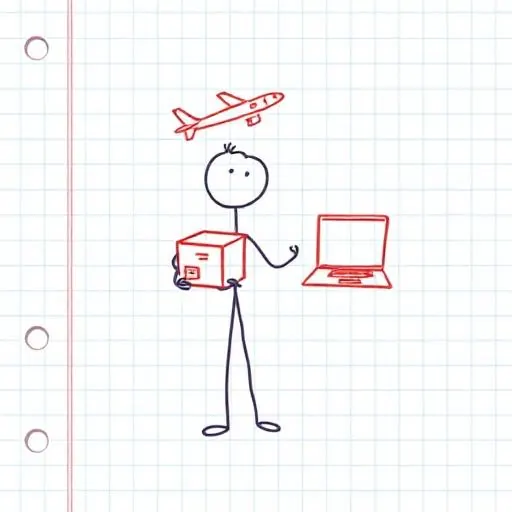
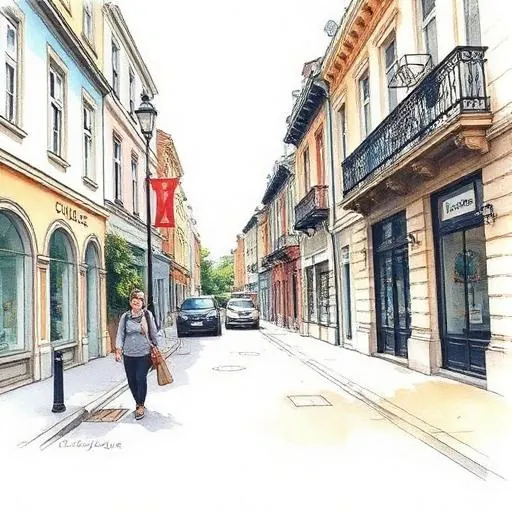
Choose a consistent visual language for generated images, or use realistic AI video for movement. Zupum also supports full-frame, top-half, bottom-half and picture-in-picture placements, plus graphic cards when words and numbers need to stay readable.


Use cases
B-roll for short-form creators, podcasters and product demos
Short-form creators
Add visual changes to Reels, TikToks and YouTube Shorts without searching a stock library between every sentence.
Podcasters
Turn a camera-led excerpt into a visual clip by covering examples, references and topic changes with relevant cutaways.
Founders and product demos
Show products, workflows, metrics and customer context exactly when the speaker mentions them.
Educators and consultants
Make an abstract explanation easier to follow with examples, graphic cards and tightly timed supporting visuals.
Editing practice
How to place B-roll without weakening the story
Place a cutaway when the viewer benefits from seeing the subject, example or action being named.
Let most cutaways run for roughly two to five seconds, then adjust to the pace and complexity of the spoken idea.
Use B-roll to cover a jump cut only when the visual also supports the sentence; unrelated footage makes the edit feel less trustworthy.
Keep the speaker's voice underneath most cutaways. Use a clip's own sound only when it adds useful atmosphere or meaning.
Keep the face visible for personal claims, emotion and the final instruction, where the speaker carries trust.
Review every generated visual before publishing, especially for products, people, places, facts and client work.
Questions
Frequently asked questions about AI B-roll
What is the difference between an AI B-roll generator and a platform?
A standalone AI generator outputs isolated clips from text prompts. An AI B-roll platform handles the wider workflow: transcribing talking-head footage, finding useful cutaway moments, matching or generating visuals, placing them on the timeline, and letting you retime or replace each asset in one editor.
How does AI know where to place B-roll cutaways in my video?
Zupum analyses the transcript and word timing to identify concrete subjects, examples, emphasis points and natural phrase boundaries. It places a cutaway on the relevant spoken idea, and you can adjust the From and To times afterwards.
Can I regenerate or swap a single cutaway without re-rendering the whole video?
Yes. You can change one cutaway's prompt, switch between AI and stock, upload your own visual, or use a graphic card without changing the rest of the captions, audio or edit plan.
What visual styles can be generated for B-roll footage?
Zupum offers ten AI image styles, including isometric 3D, doodle, clay, anime, paper, neon and watercolour, plus realistic AI video. It also includes graphic cards for statistics, checklists, lists and pull quotes.
Is AI-generated B-roll available on the free plan?
No. The automatic first draft uses stock B-roll, and AI-generated image and video B-roll is available on paid plans through monthly AI credits. Free users can browse the styles before choosing a plan.
Can I use Zupum B-roll in commercial videos?
You can use Zupum's built-in stock and generated outputs in published work, subject to Zupum's terms and any rules that apply to your chosen platform, client or source material. Review the final visual before publishing it for a brand or client.
Turn your next talking-head clip into a visual story.
Start with an automatic stock-based edit, then use paid AI generation only where a custom shot improves the story.
Open Zupum Studio